

Setup account
Signing Up
You will first need to create your account. Sign-up to app.gladia.io. You can sign-up through Google and more sign-up methods will be available in the near feature.Get your API key
Now that you signed up, login to app.gladia.io and go to the API keys section. We should have already created a default key for you. You can use this one or create your own.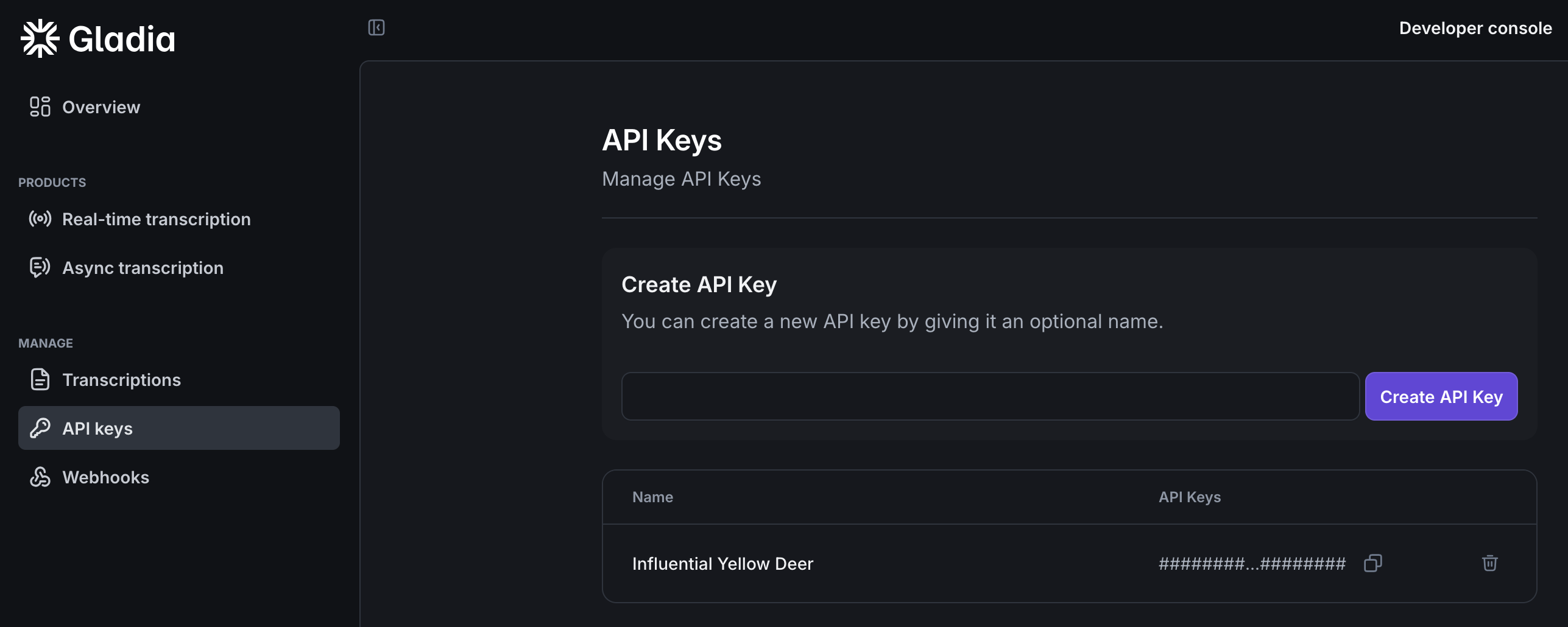
Start building with Gladia!
With our SDK / API
Want to build your integration yourself ? Use our SDK or our API directly:Transcribe live audio
Quickstart with Real-Time transcription using Gladia.
Transcribe pre-recorded audio
Quickstart with Asynchronous transcription using Gladia.
With one of our partners
If you want to build fast with Gladia, you can use one of our integration partners:SDK
For built-in best practices

Pipecat
For vocal/AI agents

Livekit
For vocal/AI agents
Vapi
For vocal/AI agents

Recall
For meeting recorder / agents

Meeting Baas
For meeting recorder / agents

Twilio
To use Gladia with telephony